
Desktop App · Step-by-step guide
Application installation
Download and install Klarway on your computer. Choose your operating system to see the corresponding steps.
- 1
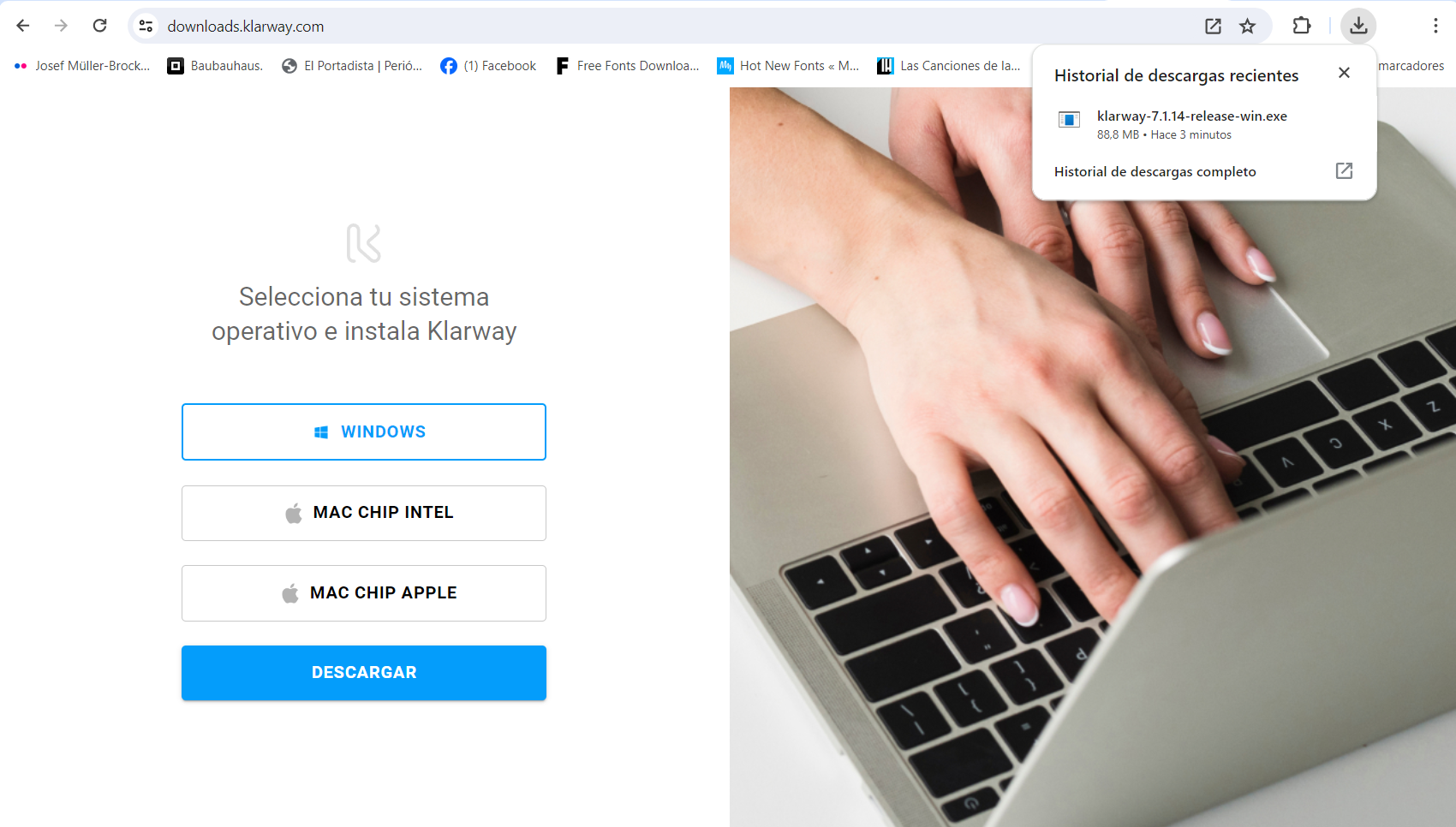
Select Windows and download
Go to downloads.klarway.com, select Windows and click Download.

- 2
Run the installer
Click the download to run it. If you cannot see it, look for it in your Downloads folder. In Google Chrome you can quickly access it with Ctrl + J.
- 3
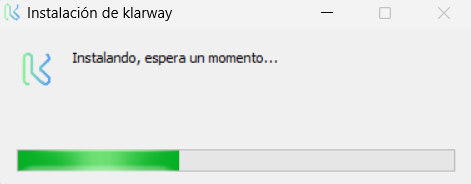
Complete the installation
Double-clicking the downloaded file will start the installation automatically. Follow the setup wizard steps until it finishes.
Download the application: downloads.klarway.com