
Taking an exam
Follow these six steps to access and complete your exam with Klarway successfully.
- 1
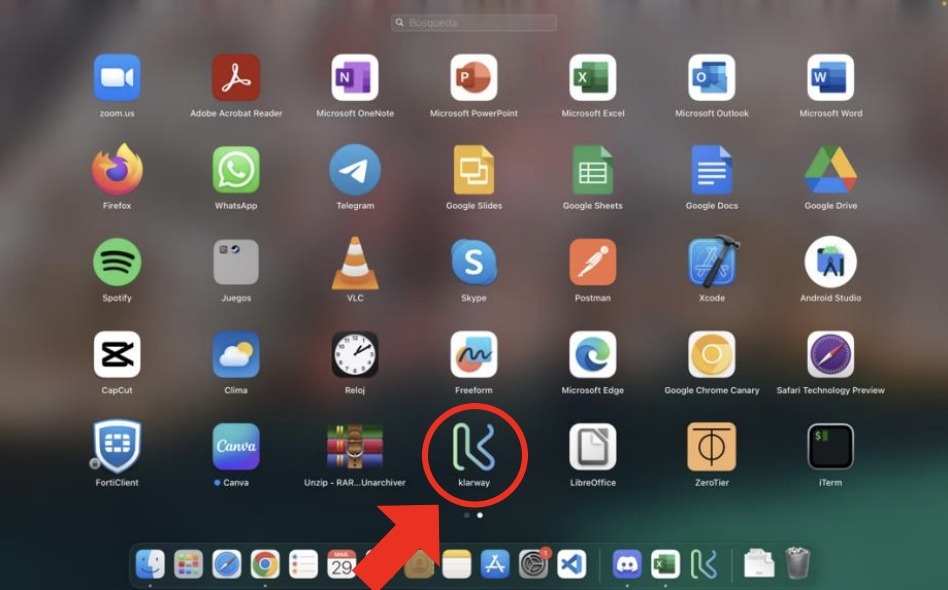
Open the Klarway application
Launch the Klarway application on your device before starting the exam.
- 2
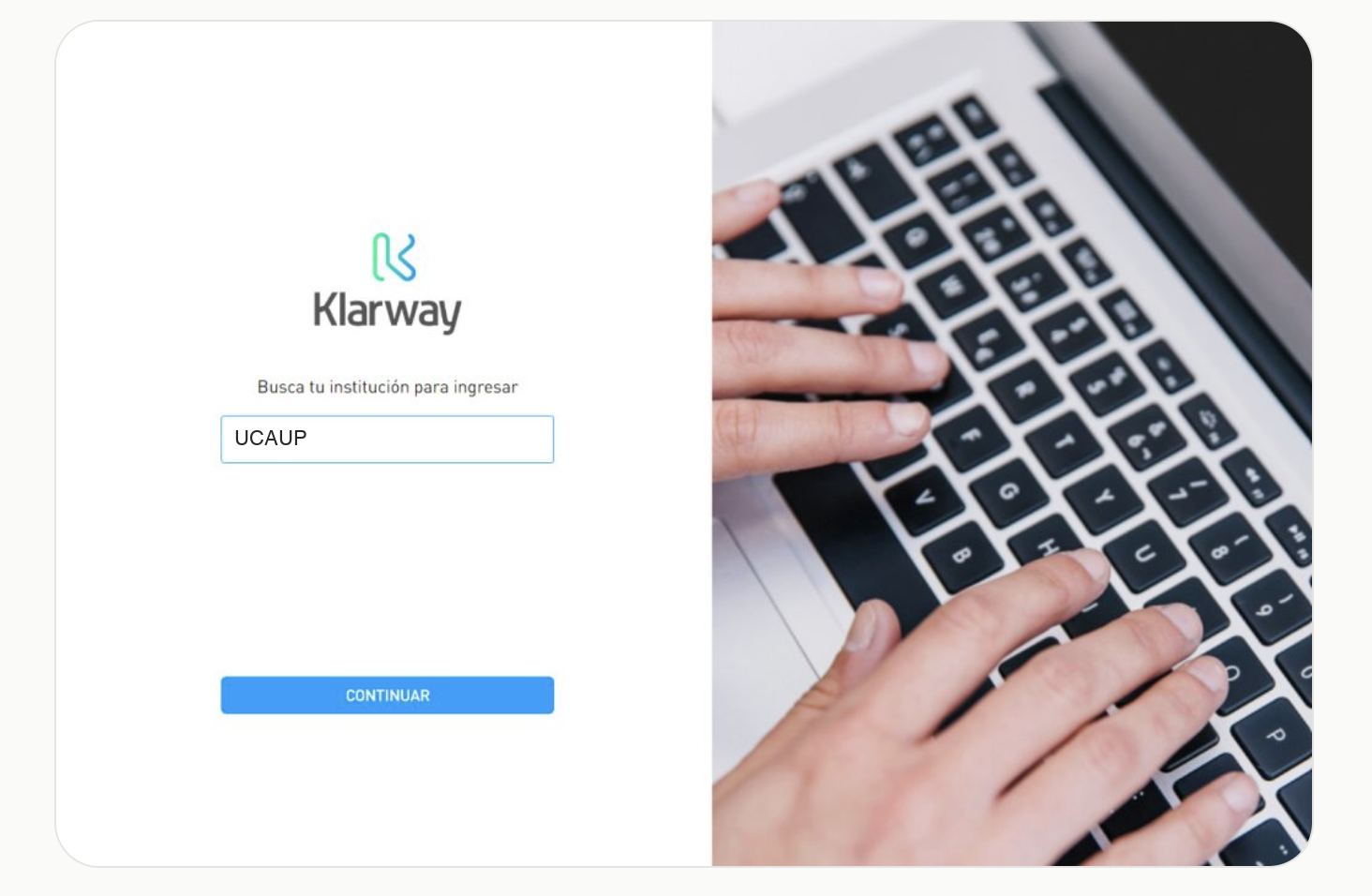
Select your institution
Choose your educational institution from the list and click Continue to proceed.
- 3
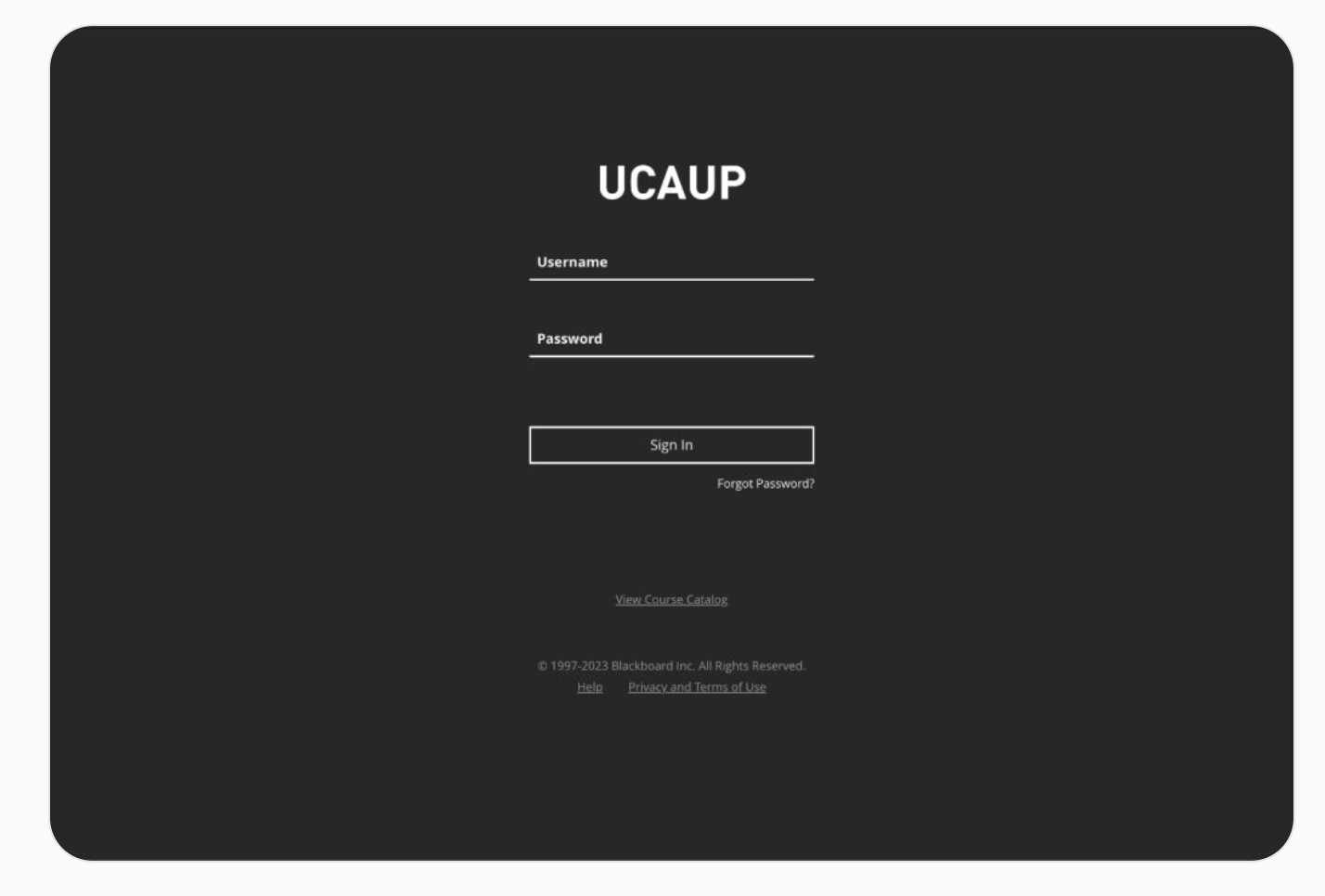
Log in with your username and password
Access the platform with your credentials and find the exam you need to take.
If you have trouble logging in, check with your educational institution.
- 4
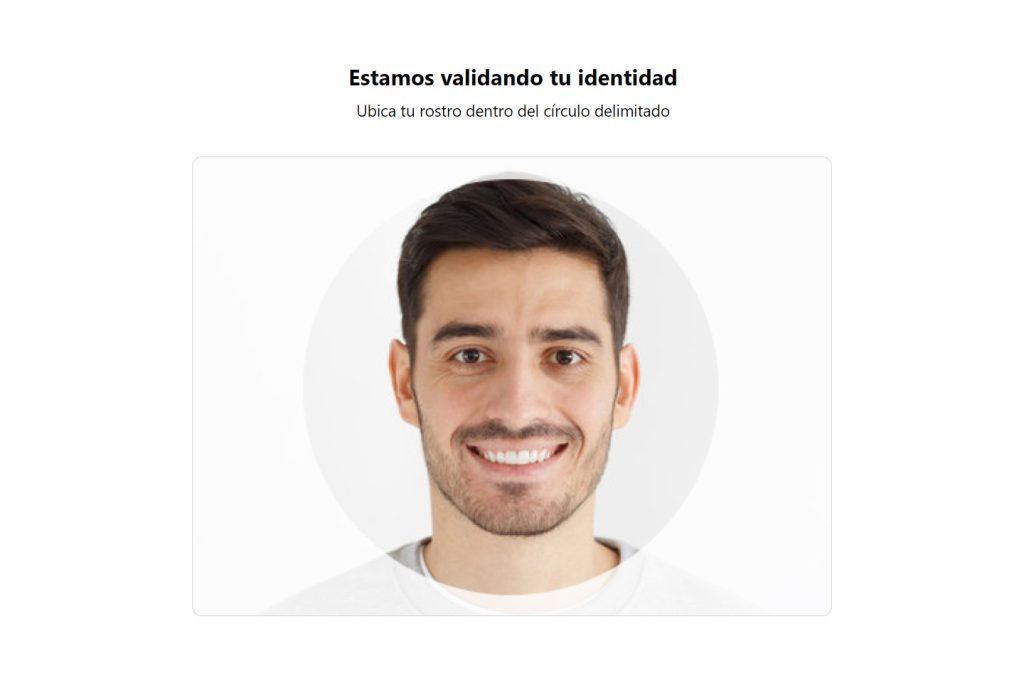
Validate your identity
When accessing the exam, the system will validate your identity against your registration by taking a photo of your face.
- 5
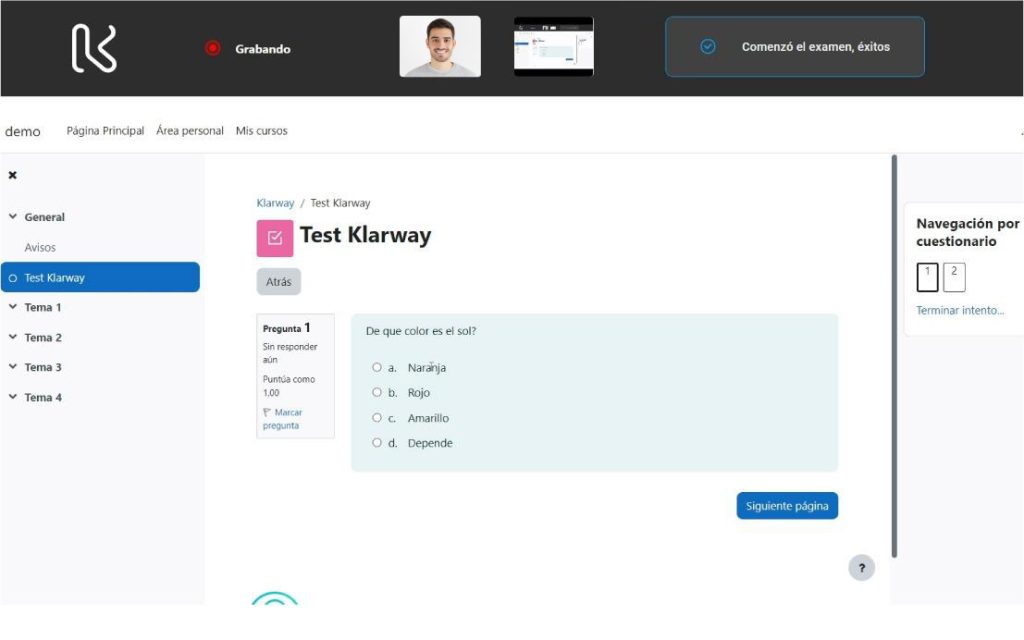
Take the exam
Once the exam is open, you can take it normally. Klarway will only monitor that instance.
- 6
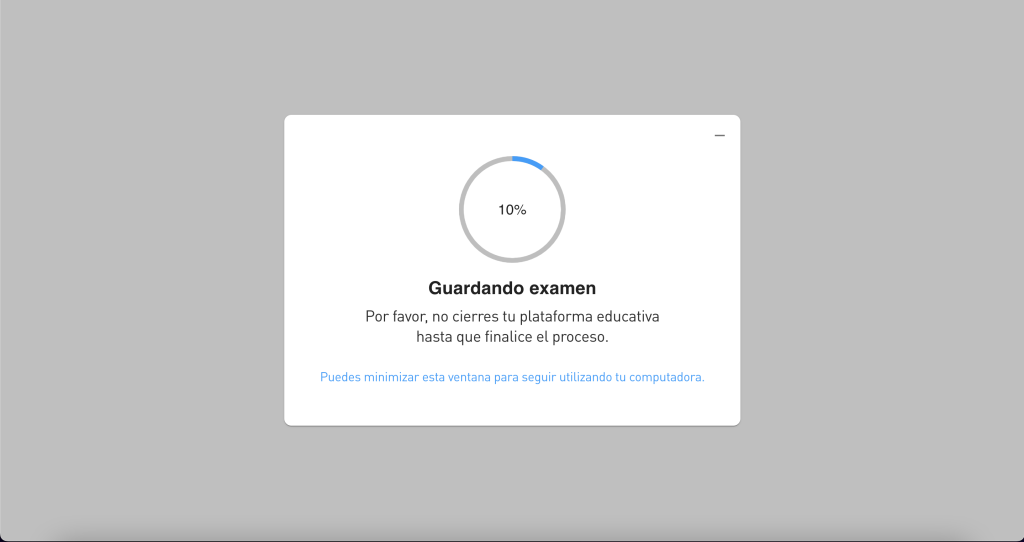
Finish and close Klarway
When the exam is over, you can minimize the screen and continue using your educational platform. Close Klarway once it finishes loading.
Tips for taking exams
Preparing your environment well improves your experience and avoids interruptions during the evaluation.
- Find a comfortable and quiet space.
- Use a plain background behind you when possible.
- Make sure your face is clearly visible on screen, without cropping or unwanted lighting.
- The space should be well lit to get a clear image.
- Plug your PC into power to prevent the battery from draining from camera and microphone use.
- Ask people sharing your space not to use the internet during the exam for the best experience.