Windows · Step-by-step guide
Close open processes
Some background programs can prevent Klarway from working correctly. Follow these steps to close them before starting your exam.
- 1
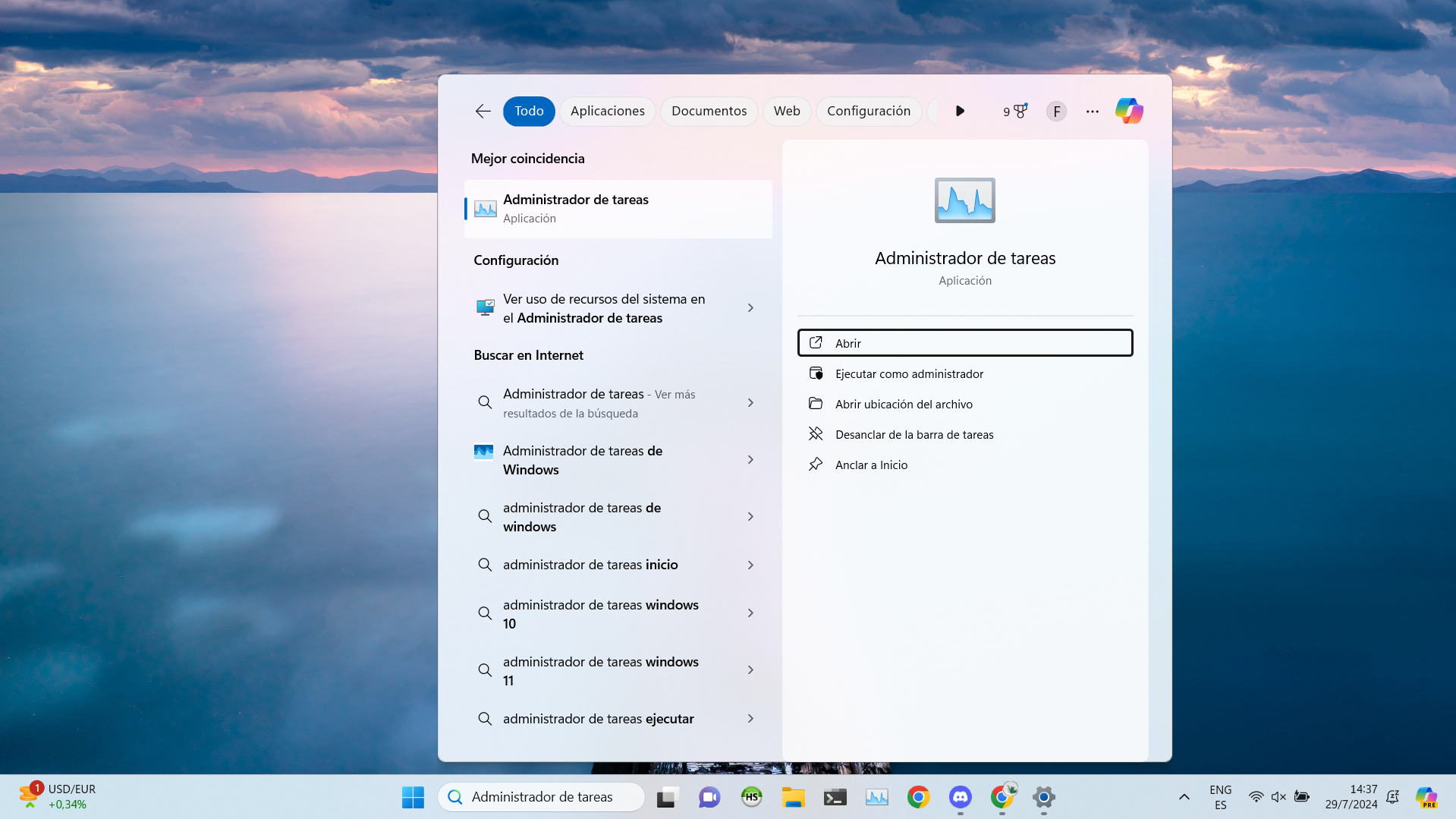
Open Task Manager
Search for "Task Manager" in the Windows search bar and open it.
- 2
End conflicting tasks
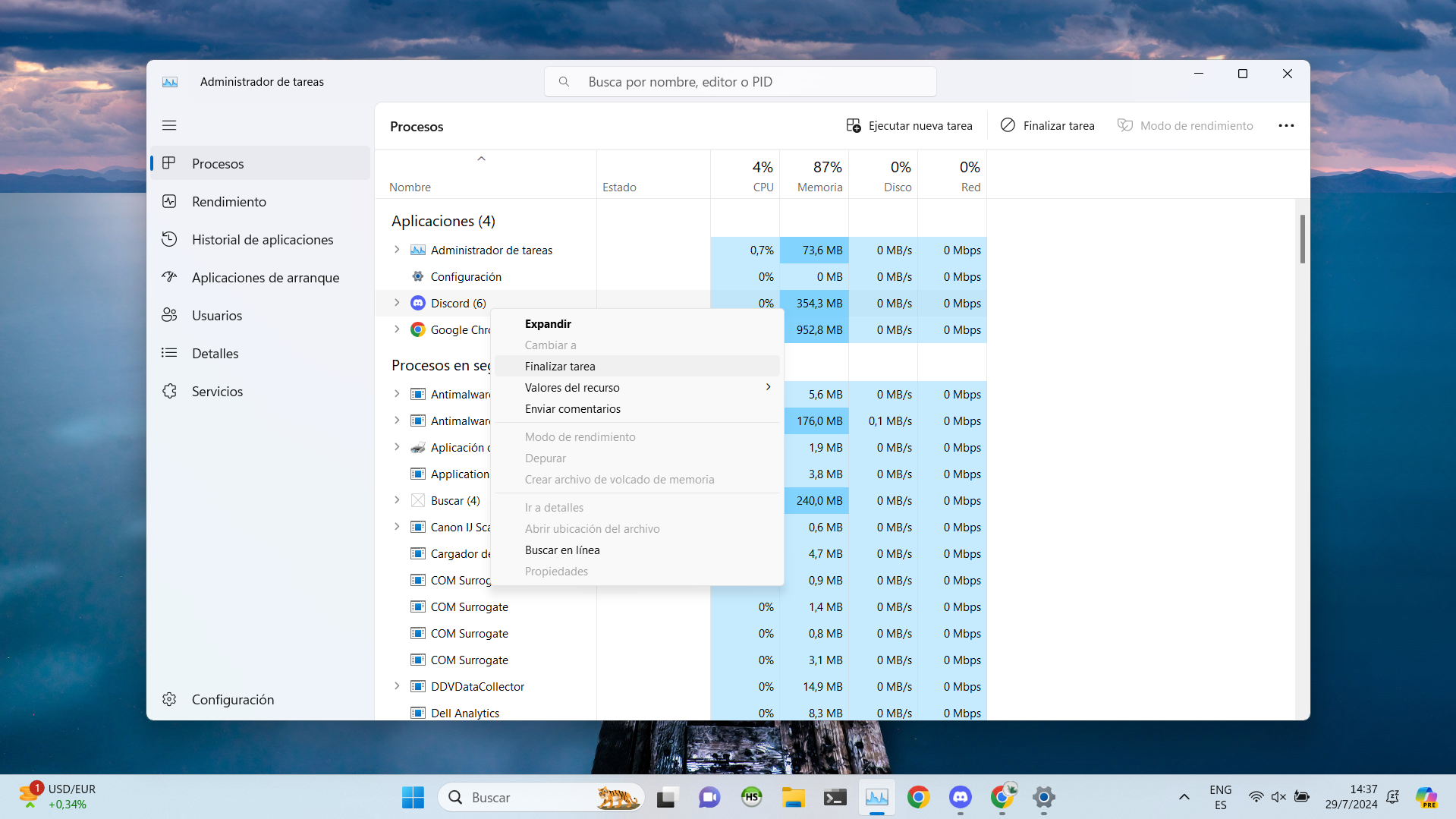
Go to the "Processes" tab, right-click on the programs you want to close and select "End task".