Windows · Step-by-step guide
Uninstall virtual cameras
Virtual cameras installed on your computer can prevent Klarway from starting correctly. Follow these steps to uninstall them.
- 1
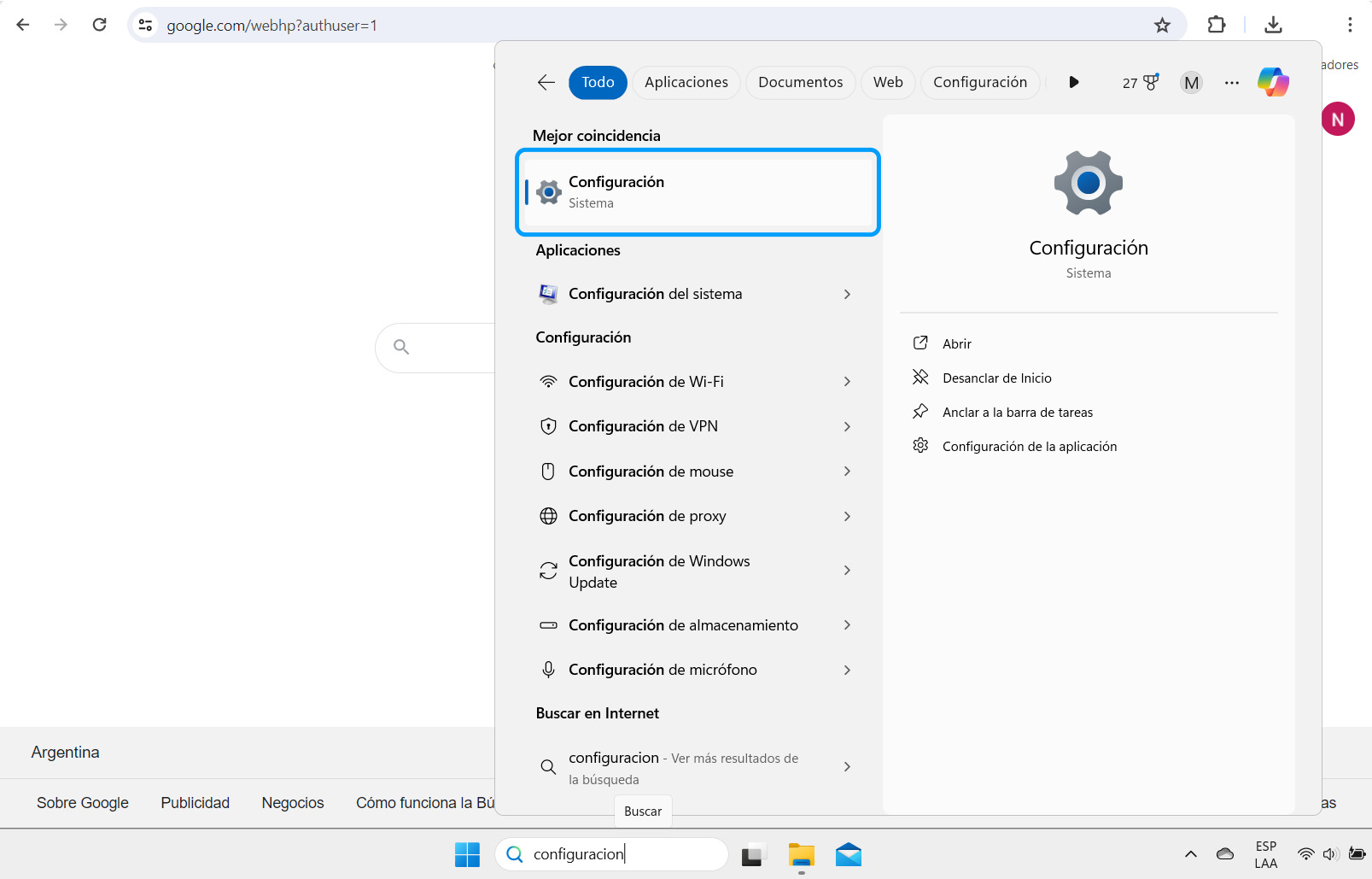
Open Settings
Open your computer's "Settings".
- 2
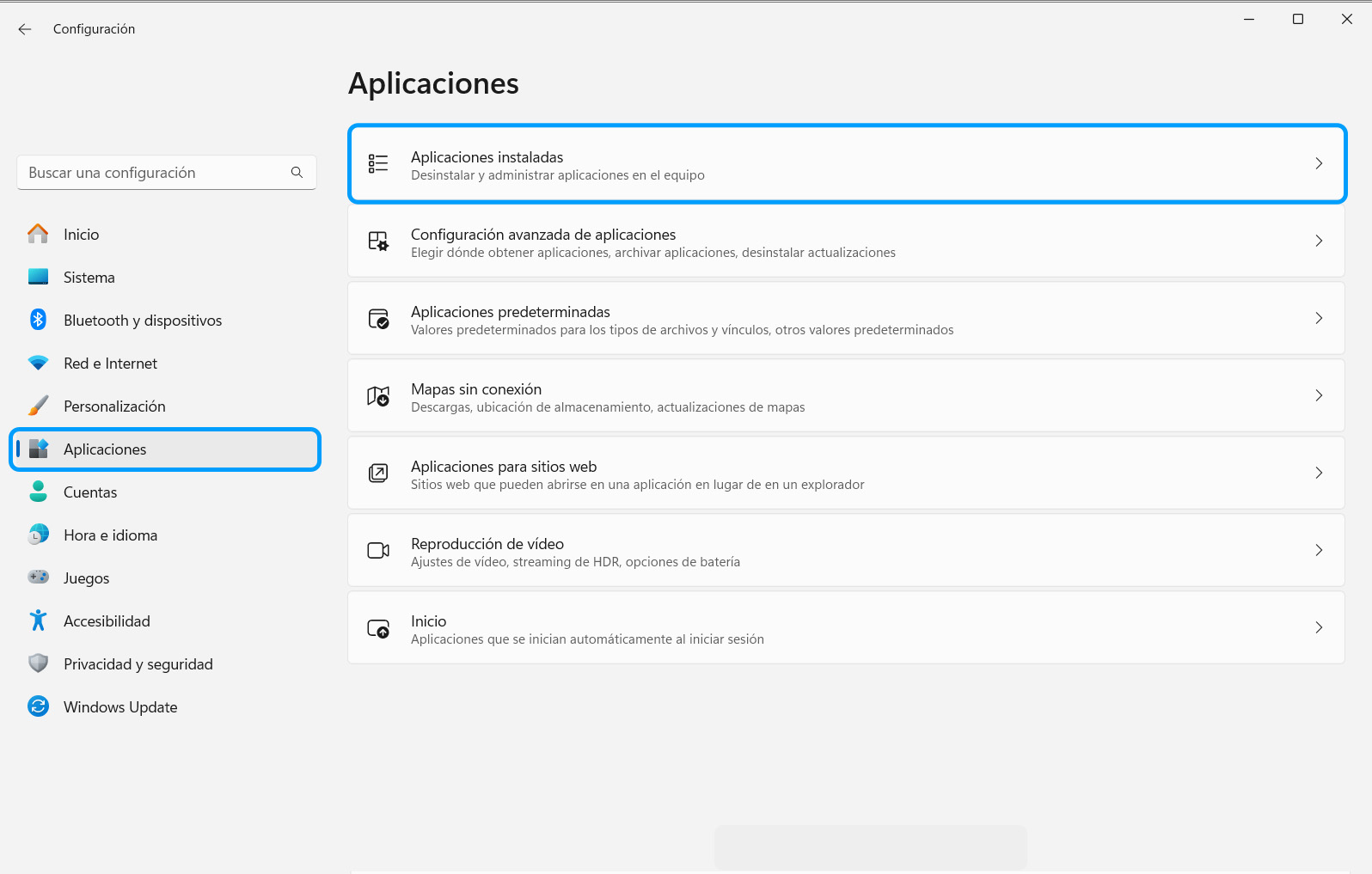
Open Installed apps
Go to "Apps" and click "Installed apps".
- 3
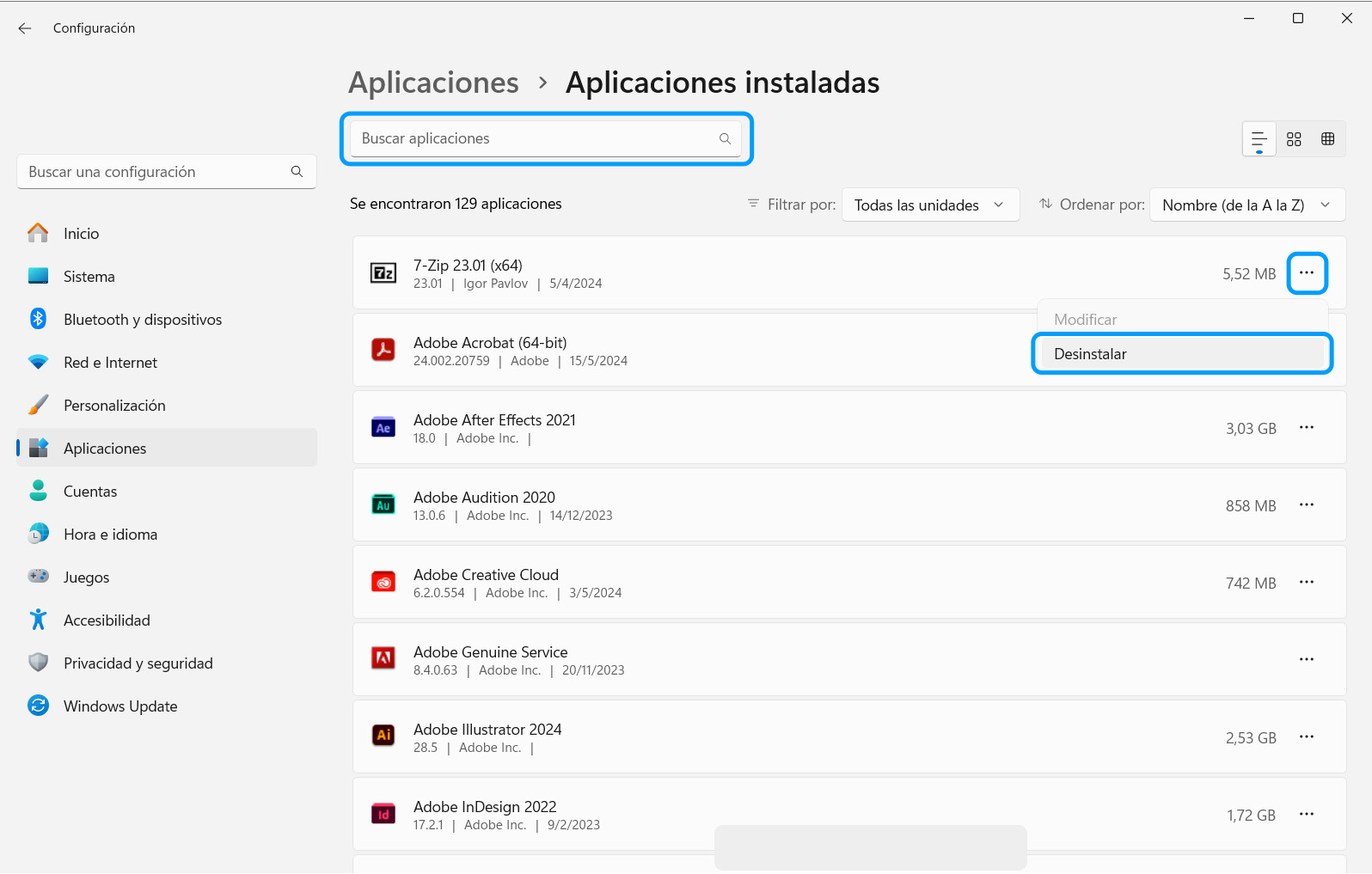
Uninstall the virtual camera
Find the name of the virtual camera (Klarway will tell you), click the options on the right side and select "Uninstall".
- 4
Confirm the uninstallation
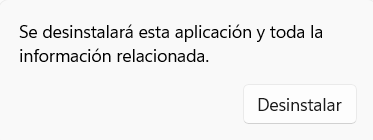
Confirm the uninstallation and wait for the process to finish.